Free Online Developer Tools
Stop wasting time on tiny developer tasks.
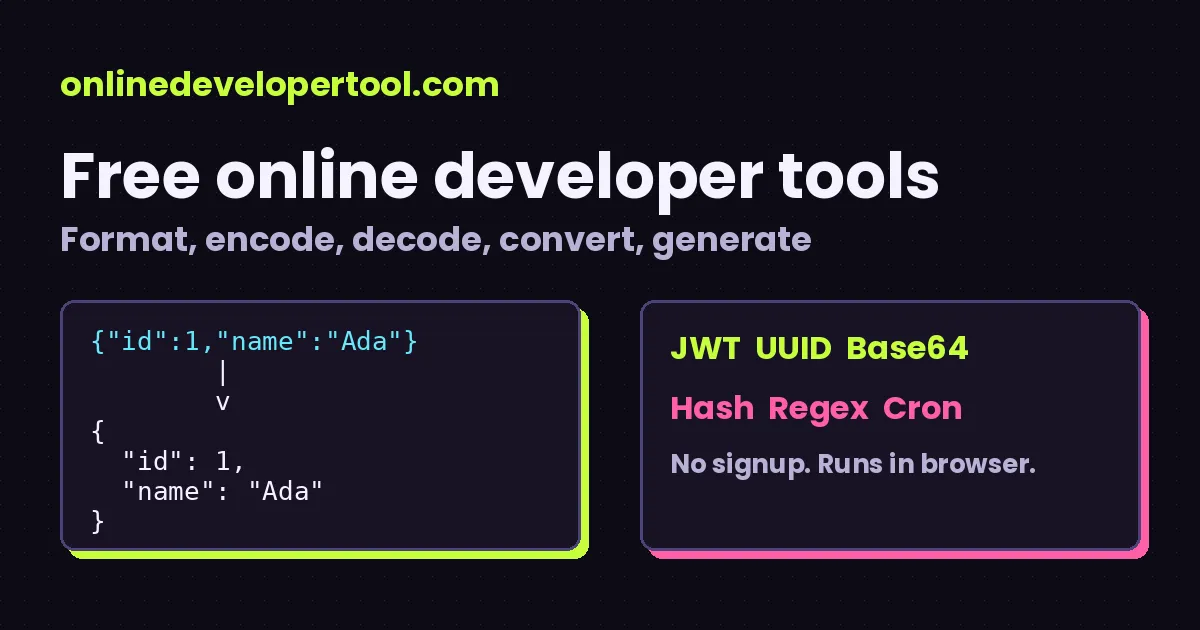
Free browser-based tools for developers including JSON Formatter, JSON Validator, JWT Decoder, Base64 Encoder and UUID Generator. Format JSON, decode a token, convert a timestamp or generate a UUID in seconds at onlinedevelopertool.com, with no signup required.
$ paste → click → copy
Developers lose hours to repetitive little chores.
Each one takes two minutes. Together they eat your afternoon. Here is the usual list, and the tool that handles it.
Squinting at a one-line JSON blob
Converting timestamps in your head
Encoding and decoding values by hand
Wondering if that XML is even valid
Needing a hash or a UUID right now
Converting hex, binary and colors
Cleaning strings and making slugs
Debugging the small stuff
One place. Free developer tools.
No ten-tab scavenger hunt, no ad-ridden converter you will never find again.
Popular Developer Tools
JSON Formatter
Pretty-print or inspect messy JSON in one click.
JSON Validator
Check JSON syntax and see the parser error.
JSON Beautifier
Turn minified JSON into readable, indented JSON.
JWT Decoder
Read the header and claims inside a token.
Base64 Encoder
Encode text, including UTF-8, to Base64.
Base64 Decoder
Turn Base64 back into readable text.
UUID Generator
Make random UUIDs in bulk and copy them.
JSON to C#
Draft a C# class from a sample JSON object.
Timestamp Converter
Unix time to dates, and back again.
Browse by what you are trying to do
JSON Tools
Format, validate, beautify and minify JSON, generate C#, TypeScript, Java, Python, Go, PHP and Kotlin models from it, or convert between JSON, YAML and CSV.
Encoders & Decoders
URL, Base64 and HTML encoding and decoding, plus a JWT decoder for reading token claims.
Generators & Hashes
Generate UUIDs and JWTs, validate UUIDs, and create MD5, SHA-256 and SHA-512 hashes.
Web Tools
Timestamps, color codes, query strings and cron expressions - the small things web work keeps throwing at you.
Text & Data
Format XML and YAML, count text, change case, make slugs, test regex, diff two texts and convert number bases.
Website Checking
Check whether a website or URL is reachable from your browser.
JSON, JWT and encoding tools
JSON tools
Format, validate, minify and convert JSON.
JWT tools
Inspect and build JSON Web Tokens, and read the timestamps inside them.
Encoding tools
Encode and decode Base64, URL and HTML text.
Quick reference for the things you keep forgetting
HTTP status codes
| Code | Meaning |
|---|---|
| 200 | OK |
| 301 | Moved permanently (redirect) |
| 401 | Unauthorized (no or bad credentials) |
| 403 | Forbidden |
| 404 | Not found |
| 500 | Server error |
| 503 | Service unavailable |
Check a live site with the Website Status Checker.
Common cron schedules
| Expression | Runs |
|---|---|
| */5 * * * * | Every 5 minutes |
| */15 * * * * | Every 15 minutes |
| 0 * * * * | At the start of every hour |
| 0 0 * * * | Every day at midnight |
| 0 9 * * 1-5 | 9:00 on weekdays |
Try your own in the Cron Expression Parser.
Same number, different bases
| Decimal | Binary | Hex |
|---|---|---|
| 10 | 1010 | A |
| 16 | 10000 | 10 |
| 100 | 1100100 | 64 |
| 255 | 11111111 | FF |
Convert any value with the Number Base Converter.
See a tool in action: format JSON in seconds
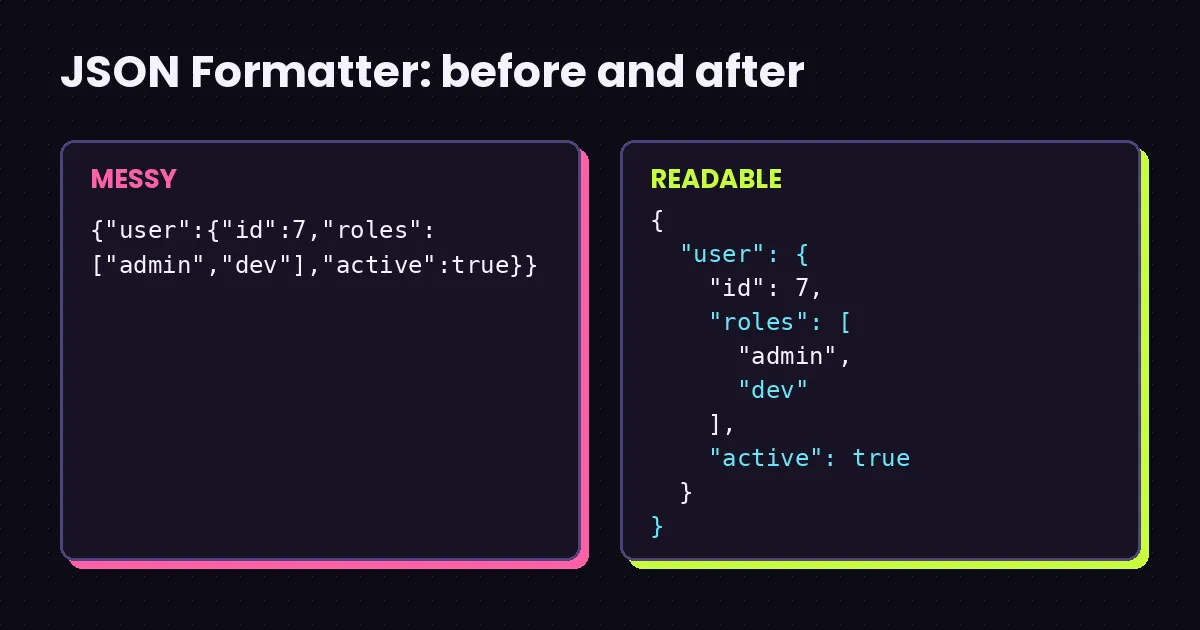
This 8-second demo shows the workflow every tool follows: paste, click, copy.
Why use our developer tools?
Free
Every tool is free to use. There is nothing to buy and no trial.
No signup
There are no accounts. Open a tool, paste your input and copy the result.
Runs in your browser
Processing happens in your browser tab, so pasted text is not uploaded to a server for processing.
Fast
Tools respond instantly because there is no server round trip to wait for.
Privacy-minded
There is no database behind the tools. The one exception to know about is the Website Status Checker, which sends a request from your browser to the address you type.
Easy to use
Each tool page has a short explanation, a worked example and answers to common questions.
Questions developers ask
What is onlinedevelopertool.com?
onlinedevelopertool.com is a collection of 54 free, browser-based developer tools for everyday chores: formatting, encoding, decoding, converting, generating, validating and checking.
Do I need to sign up?
No. Open a tool and use it.
Is my data uploaded anywhere?
The tools run in your browser, so what you paste is processed locally. The one thing to know: the Website Status Checker sends a request from your browser to the sites you type in, so those sites will see it.
Does the JWT decoder verify the signature?
No. It splits the token and shows the decoded header and payload. Verifying a signature needs the signing key and should happen on your server.
Is Base64 a form of encryption?
No. Base64 is an encoding that anyone can reverse. It makes data about one third larger and does not protect secrets.
Which tools are included?
JSON tools (format, validate, beautify, minify and convert to C#, TypeScript, Java, Python, Go, PHP and Kotlin), URL/Base64/HTML encoders and decoders, JWT, UUID and hash tools, timestamp, color, number base, regex, diff, query string and cron tools, XML/YAML/CSV converters, text tools and a website status checker.
Does it work on a phone or tablet?
Yes. The layout adapts to small screens, though pasting big payloads is still easier on a keyboard.
Got a tiny task? Get it done.
Pick a tool, paste your input, copy the result. Back to the real work.

